 StudyDesk
What to report
- Wrong or extended deadline.
- Official date announced after StudyDesk still shows an expectation.
- Incorrect fee, award amount, income limit or eligibility rule.
- Application link changed or stopped working.
- Open/closed/renewal status is stale.
- Source link does not support the visible claim.
How to report a correction
Use the StudyDesk contact page and include the page URL, the statement you believe is wrong, and—when possible—the official source that shows the correction. Do not send passwords, OTPs, banking PINs or unnecessary identity documents.
What happens after a report
- Recheck the sourceStudyDesk compares the report against the newest authoritative material.
- Correct the canonical pageIf the information is wrong or stale, the existing page is updated rather than duplicated.
- Update verification metadataThe visible verification status and modified date are refreshed when the content meaningfully changes.
- Preserve uncertaintyIf the official position is still unclear, the page should say so.
Correction standard
Minor spelling or formatting edits do not justify changing a page date just to make it look fresh. Material factual changes do.
How corrections are prioritised
Corrections that can change a student's action are treated as high priority. Examples include a registration deadline, application fee, eligibility condition, exam date, scholarship status, document requirement or official application link. Wording and formatting issues are lower priority unless they make the meaning ambiguous.
When a material fact changes because an authority issues a new notice, StudyDesk updates the existing canonical page and its verification date. We do not create a second near-duplicate article merely to capture another keyword. If the earlier wording could have caused a student to act incorrectly, the corrected page should make the new status clear near the answer, not bury it at the bottom.
- Report the exact page and the fact that looks wrong.
- Include an official source when available.
- Recheck the page after correction because deadlines can change again.
- Do not treat a changed 'last updated' date as proof that every fact was reverified.
Sources & verification
This policy describes how StudyDesk prepares, verifies, updates and corrects public exam, board and scholarship information.
Frequently asked questions
How should I use this StudyDesk page?
Use it to understand the current status and next action, then verify the time-sensitive detail on the linked official source before submitting a form, travelling, paying a fee or making an admission decision.

SHRESHTA (NETS) 2027 exam-date tracker based on the official NTA examination calendar.
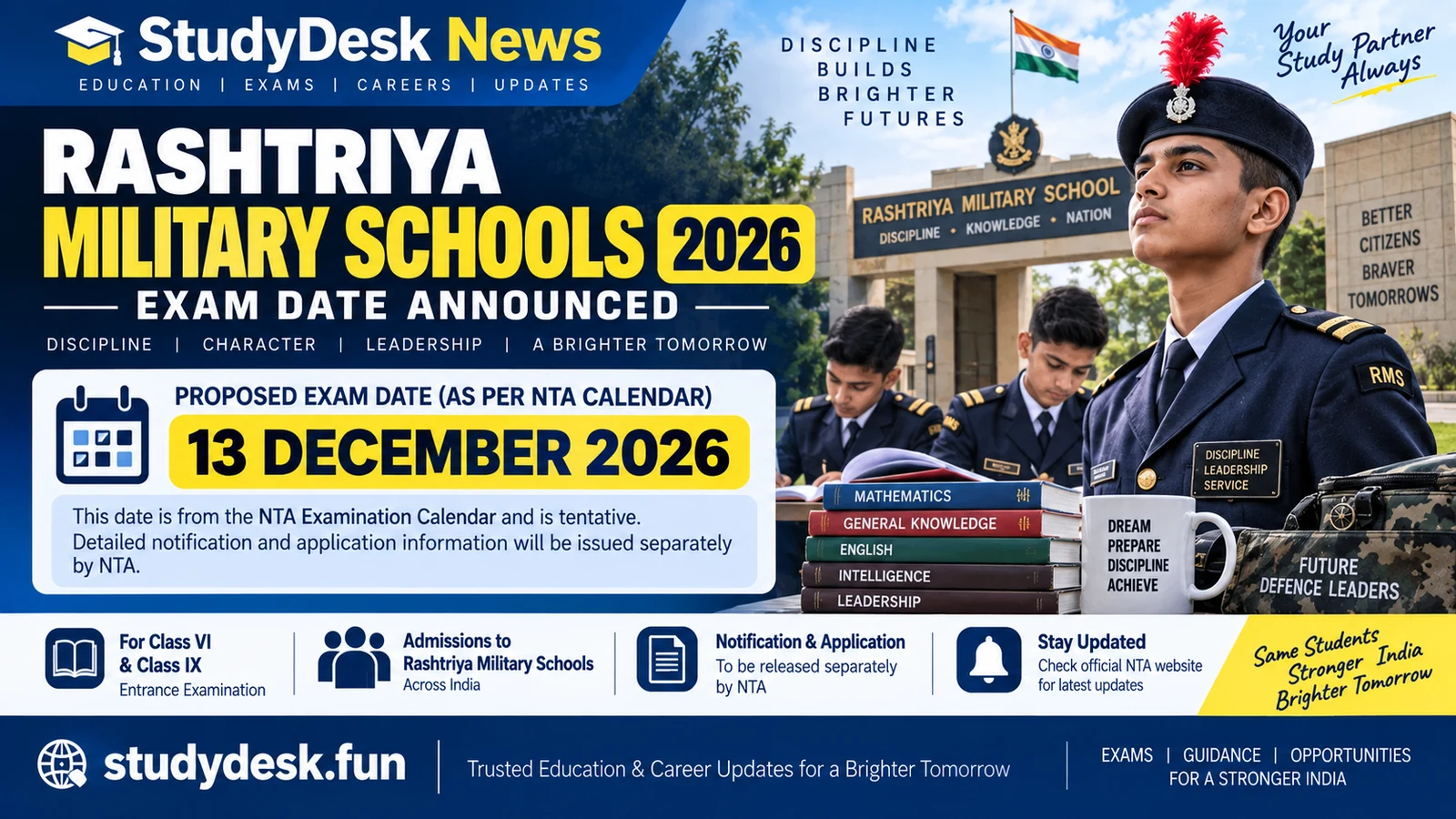
Rashtriya Military Schools entrance-exam date update based on NTA’s official calendar.

NITTT 2027 tentative schedule from the official NTA examination calendar.

NTA calendar update for Joint CSIR-UGC NET December 2026, with the tentative 20–21 December dates and final-notice caveat.
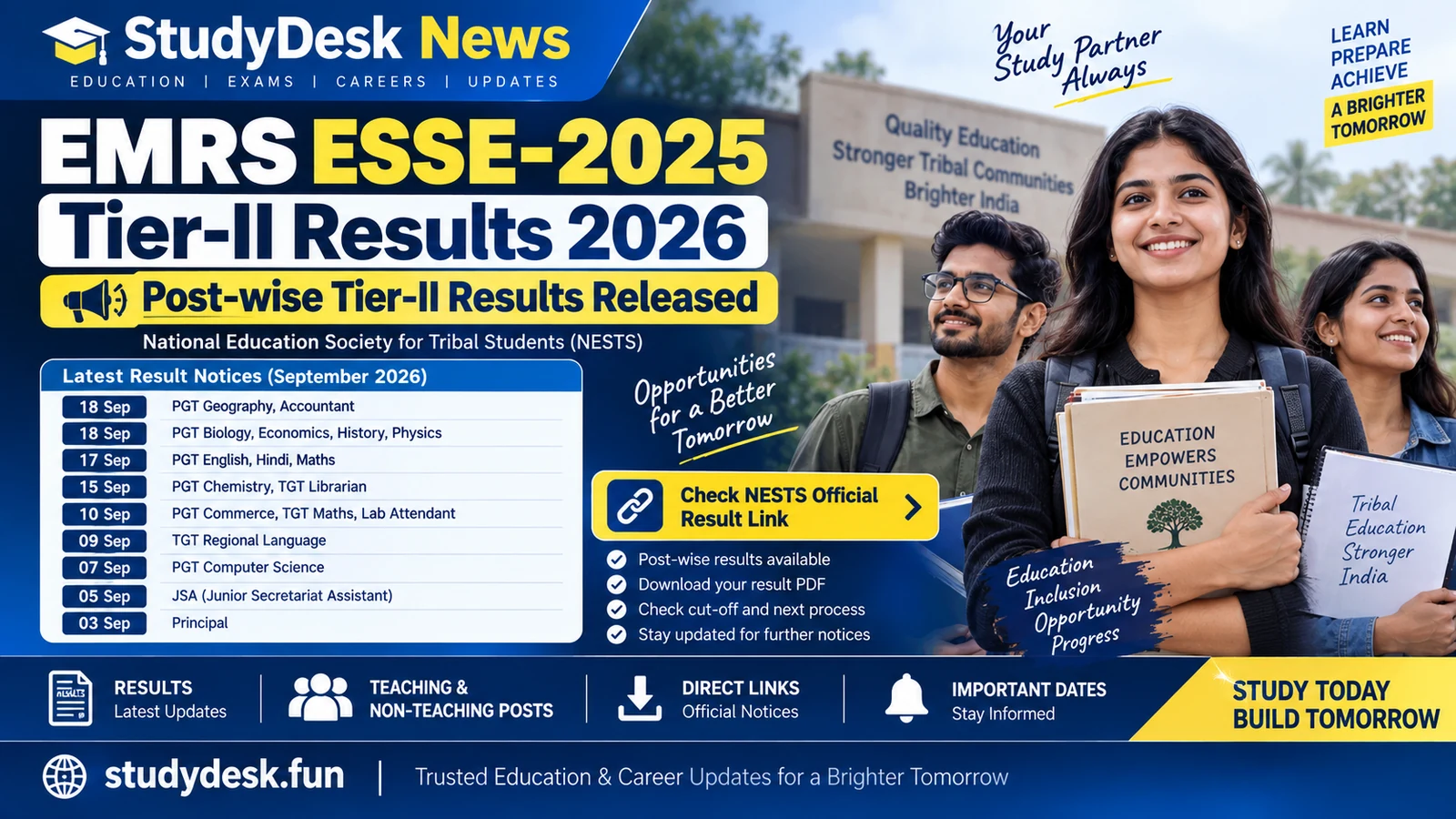
Official NESTS tracker for EMRS ESSE-2025 Tier-II result notices published during September 2026.