 StudyDesk
Scholarships to check
Use the main scholarship finder
How to use state scholarship portals
State portals can host several departments and schemes with different deadlines. A portal being open does not mean every scholarship on that portal has the same closing date.
- Confirm domicile requirements before creating an account; a state portal normally serves residents or students covered by that state's rules.
- Check whether the application needs institute verification after the student submits it. Missing verification can leave a form incomplete even when the student section is finished.
- Use the official portal's application-status feature instead of relying on SMS screenshots or unofficial status sites.
- Keep income, caste/category, domicile and bank details consistent across the documents required for DBT.
Before submitting any application
Open the official terms for the current cycle and check the deadline, application route and required documents one final time. Save a copy of the submitted form or acknowledgement. If the provider changes a deadline or status, the canonical StudyDesk guide should be updated rather than creating a duplicate page.
Sources & verification
Scholarship status is checked against government/provider sources. Open, closed, renewal-only and not-yet-opened schemes are kept separate.
Frequently asked questions
Are all scholarships on StudyDesk currently open?
No. StudyDesk includes open, recently closed, renewal-only and upcoming/not-yet-opened schemes, and labels the status on each page.
Where should I apply?
Use the official provider or government portal linked on the scholarship page. Do not pay anyone who promises guaranteed selection.
How should I use this StudyDesk page?
Use it to understand the current status and next action, then verify the time-sensitive detail on the linked official source before submitting a form, travelling, paying a fee or making an admission decision.
Verified scholarship hub for girls and women in India across school, college, technical education, STEM and professional courses.
Scholarship guide for students after Class 10 or Class 12, separating school, diploma, vocational and first-year college opportunities with current application status.
Verified college scholarship hub covering undergraduate, postgraduate, engineering, medical and other higher-education opportunities in India for 2026–27.
Verified 2026–27 scholarship guide for SC, ST, OBC, EBC and DNT students through NSP, PM YASASVI, Top Class schemes and state portals.
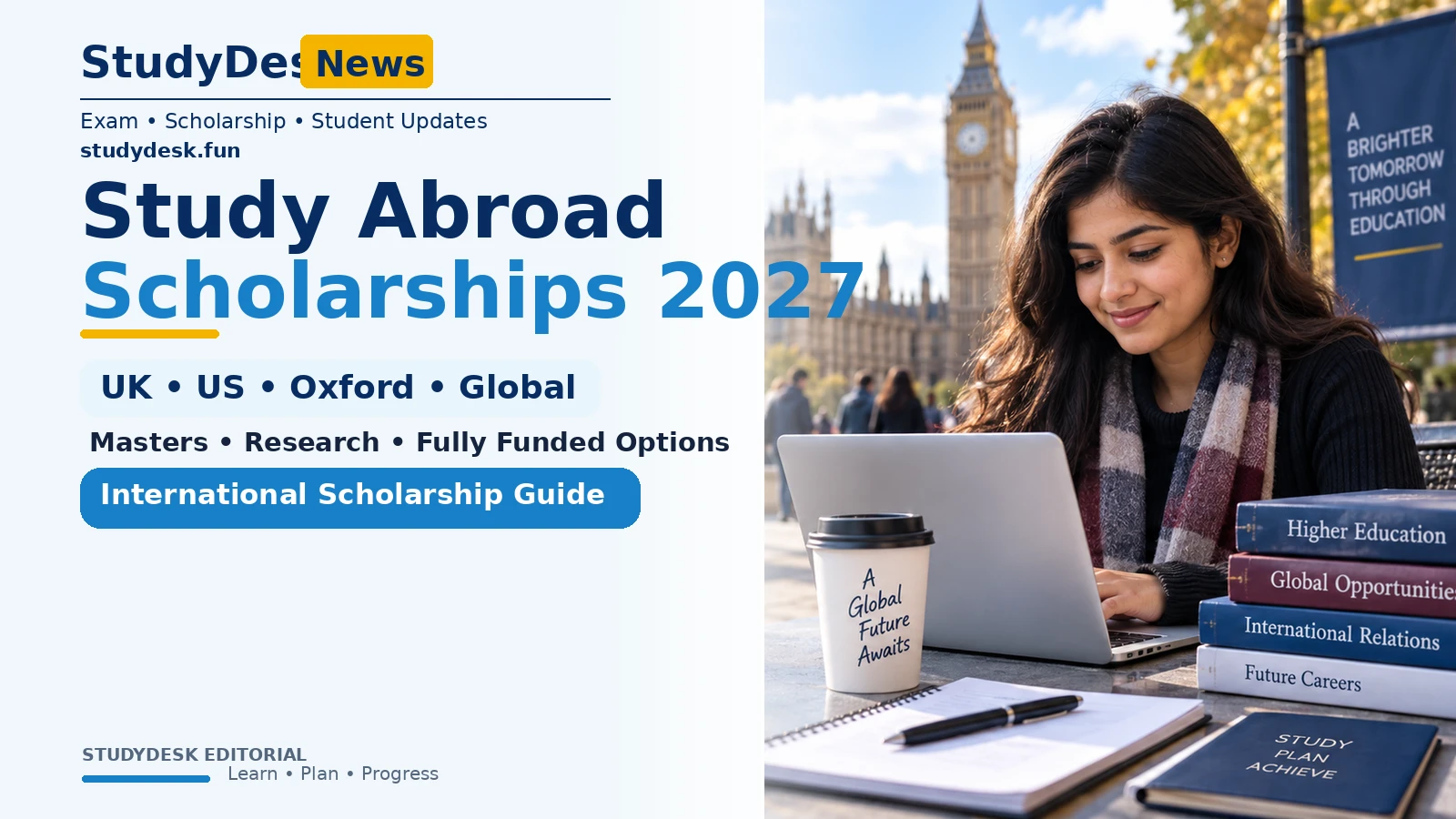
Study-abroad scholarship tracker for Indian students: Chevening, Rhodes, Fulbright-Nehru, K. C. Mahindra, Narotam Sekhsaria, Inlaks and SAT-linked university scholarships.